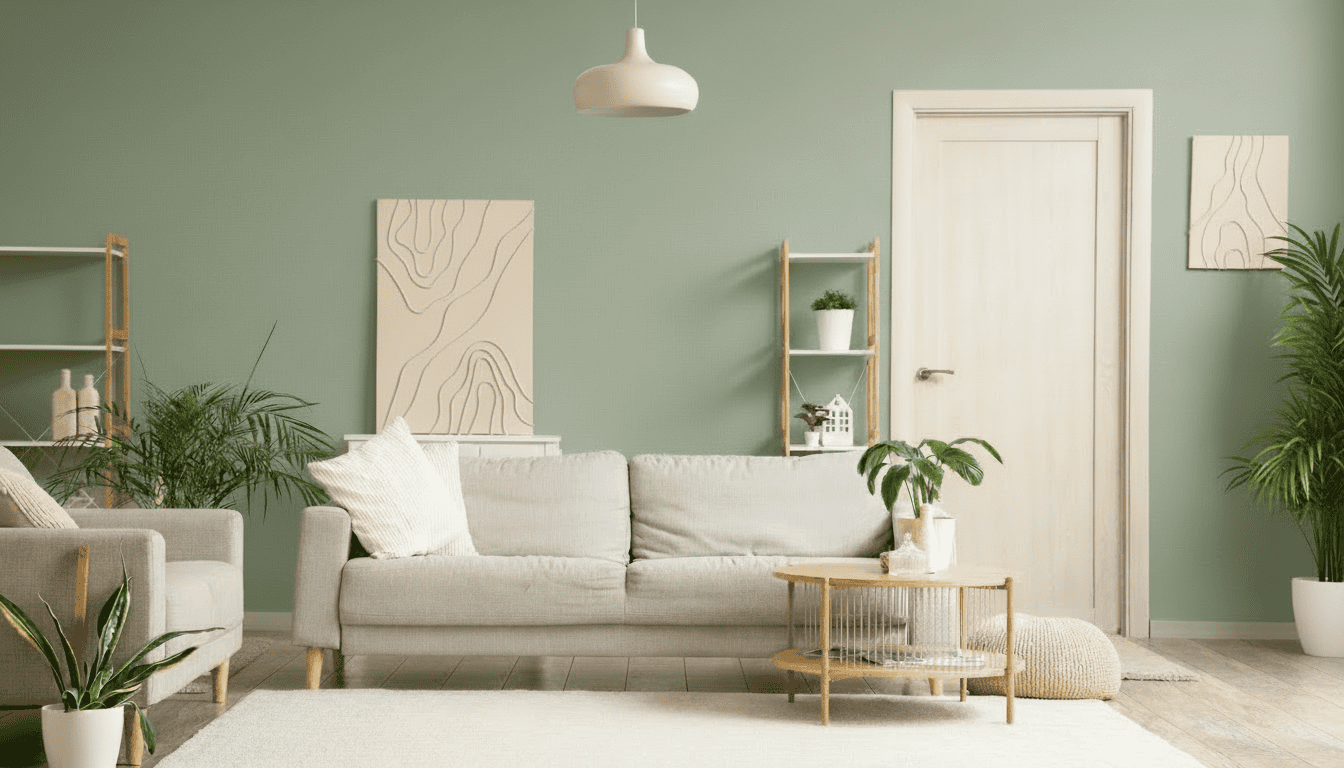
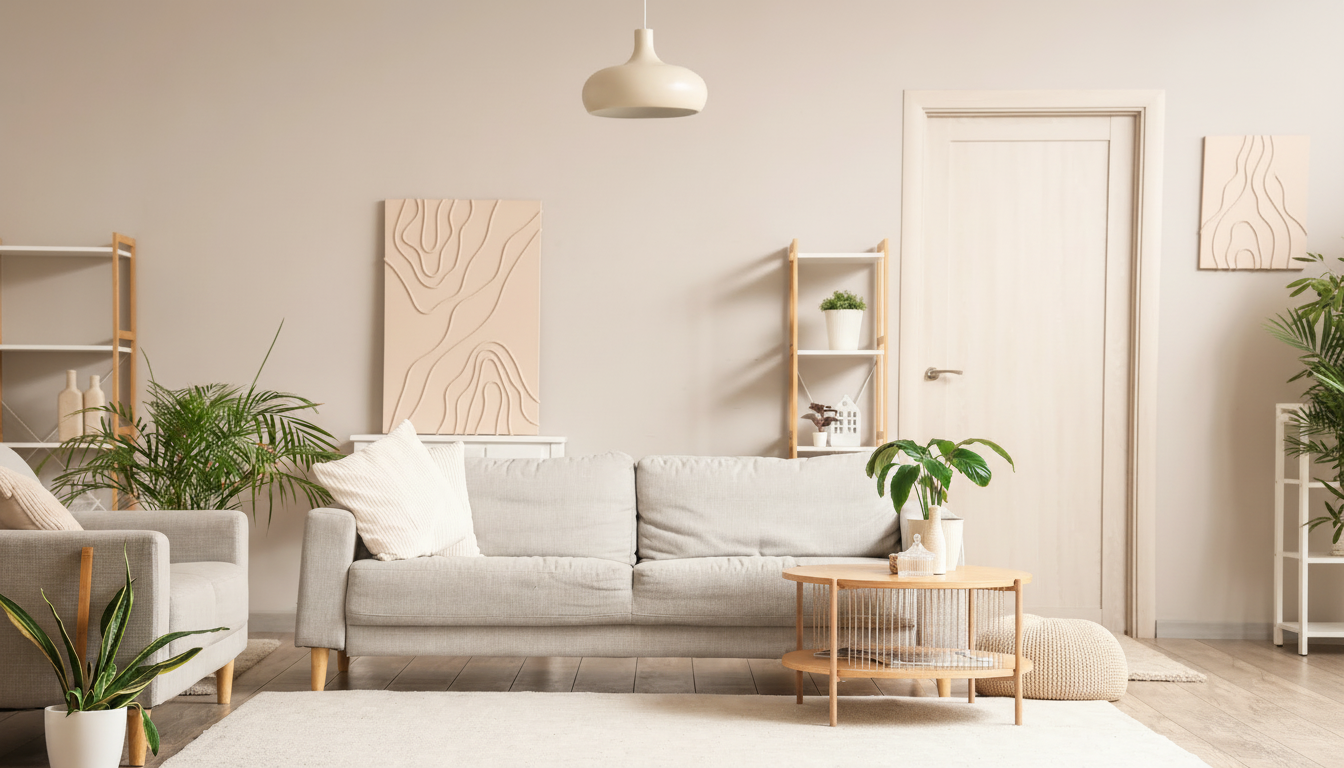


See your space in any color before a single drop of paint.
See your space in any color before a single drop of paint.
Upload a photo of a room or exterior, or begin from one of our sample spaces.
Browse curated palettes or search by brand and hue to preview finishes on walls, cabinets, or siding.
HueIQ renders the color realistically so you can compare options side by side before booking a free estimate.
Sherwin-Williams
Warm greige with soft gold undertones, popular in open living areas.
Try this color →Sherwin-Williams
Balanced neutral that reads calm in both bright and shaded rooms.
Try this color →Sherwin-Williams
Soft off-white with a subtle warm cast, favored for trim and full-room refreshes.
Try this color →Sherwin-Williams
Muted sage green that leans earthy without turning too gray.
Try this color →Sherwin-Williams
Deep charcoal brown with olive undertones, common on modern exteriors and accent walls.
Try this color →Sherwin-Williams
Pale coastal blue-green, quiet and airy in bathrooms and bedrooms.
Try this color →Sherwin-Williams
Cool light gray with a hint of warmth, works in transitional interiors.
Try this color →Sherwin-Williams
Rich saturated navy, often used on cabinets, doors, and library walls.
Try this color →Benjamin Moore
Warm gray with taupe undertones, a long-running favorite for main living spaces.
Try this color →Benjamin Moore
Creamy warm white that stays soft against natural light.
Try this color →Benjamin Moore
Off-white with a gentle yellow warmth, easy on adjacent wood tones.
Try this color →Benjamin Moore
Classic deep navy with a slate cast, at home on shutters, doors, and cabinets.
Try this color →Clear answers about pricing, timelines, services, warranty coverage, and working with That 1 Painter.